

Does an audio interface improve sound quality?
Does an audio interface improve sound quality?
This is an easy and straightforward one to answer. Yes, unquestionably, an audio interface does improve sound quality.
If you are doing any sort of music production or even just listening to music an audio interface will give you a massive leap in the quality of your audio.
A brief history of the audio interface
Sometimes referred to as sound cards because historically the audio interface was on a card that plugged into the expansion sockets on a motherboard inside the PC case.
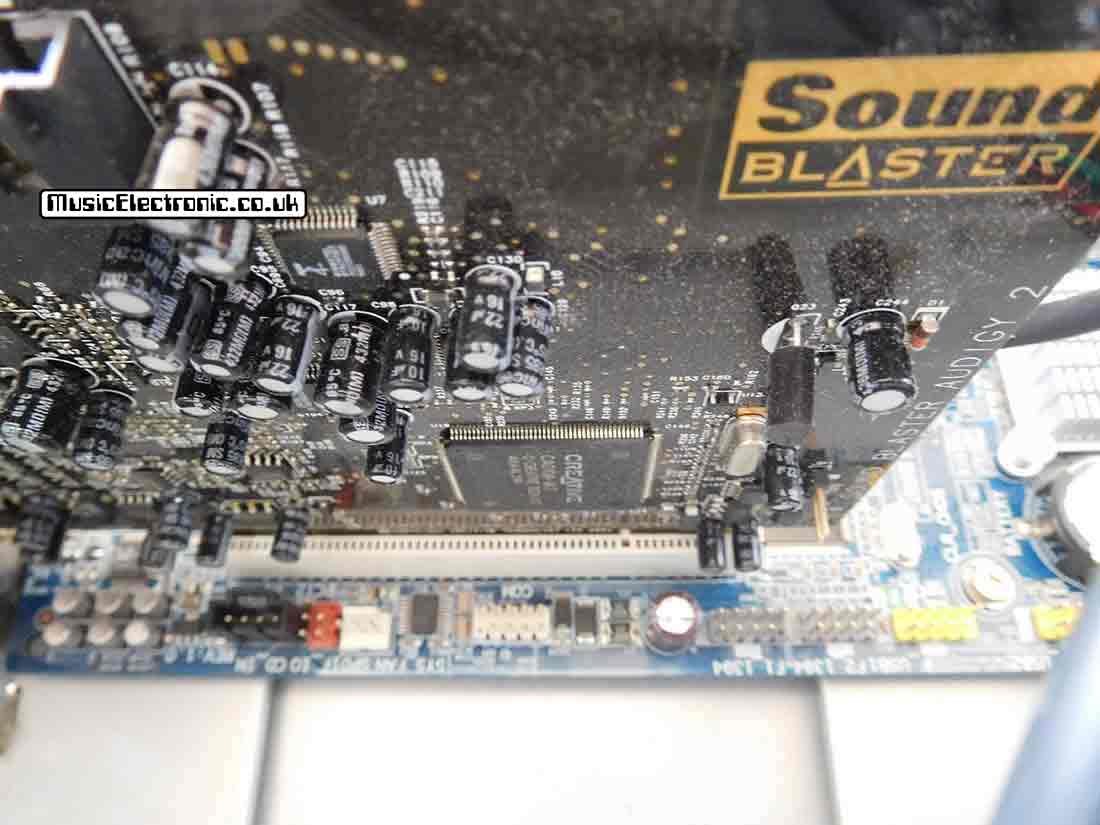
After the speedy USB interface was invented the card could interface with the PC without having to use the PCI bus. This meant that the card could be an external box that connected to USB as this was fast enough for the job. An external box also meant that it wasn’t tied up to that machine like a card was.
It meant that not only could you use the same audio interface if you upgraded your machine but it also meant that you could use it on different machines as you needed. My audio interface is usually connected to my music PC in my studio however I also take it out with my laptop if I need to do recordings elsewhere.
This comes in very handy when I take my laptop and sound interface out to record vocals.
You don’t get that flexibility with a sound card.
Why does an audio interface improve sound quality?
An audio interface will improve the sound quality of your machine because most of the motherboard built-in audio interfaces aren’t very good.
Let’s face it they are included more of an afterthought to just produce sound and the priority isn’t quality. If you know anything about audio and sound processing you’ll know it’s all about the signal path.
The idea of an audio interface is to get audio into and out of your computer. You don’t want hum or interference and you don’t want the frequencies or transients to be compromised. In theory or course, none of that is possible.
Every signal path introduces some form of noise and colouration but there is a big difference between the internal motherboard sound card and a decent audio interface. Again if you know anything about sound you know that things can cause pops and clicks in audio and all decent audio processing has as much shielding as it can to minimise outside interference.
There’s none on the motherboard. While this is less of a problem on the outputs it’s a big problem on the inputs. If you connect anything on the input you’ll notice how much noise and hum is present on a normal motherboard’s sound interface.
I say you’ll notice but this is sometimes hidden by just how bad the output amplification and speakers are on most computer speakers.

Does an audio interface improve headphone quality?

Yes, if your audio interface has a decent headphone amplifier your headphones will sound better.
Most decent audio interfaces have headphone amplifiers that are a lot better than a motherboard’s output.
Does an audio interface improve microphone quality?
An audio interface will improve microphone quality massively.
This is probably the largest single improvement you’ll make with an audio interface. Microphone inputs on motherboards are awful, noisy and prone to picking up interference. That’s before you even get anywhere near looking at the limited frequency response. Just don’t even think about using them.

Also, you shouldn’t even use them if you haven’t got an audio interface. You can get USB microphones that connect to the USB inputs (surprise surprise) where the microphone converts the analogue signal into a digital signal for the PC without going through the dreaded microphone in socket.
Needless to say, they sound a lot better for that.
What does an audio interface do
An audio interface gets audio into your computer.
Whether that’s for recording or processing or both it needs to do it without introducing noise, hum, crackling, distortions, colourations or anything else. Distortions and colourations can be added by choice later and to whatever extent you want or need. You don’t want them forced upon you.
Once you have this audio inside your machine the audio interface is then tasked with the job of delivering it to the outside world through your amplifiers and loudspeakers, again without all the other aforementioned stuff. It might have various inputs and various outputs to do this job.
You also want it to do this as quickly as possible and by this I mean you don’t want the audio delayed. This is called latency and like noise, it’s impossible to reduce to zero.
You do want it as small as possible though, particularly if you are playing an instrument as you want to hear the sound as you play it.
What is phantom power?
Phantom power is something certain microphones need.
Some microphones, especially condenser microphones need a DC supply to work. Usually, this is 48 volts and lots of studio equipment has a button to switch on the 48 volt phantom power to operate the microphone.
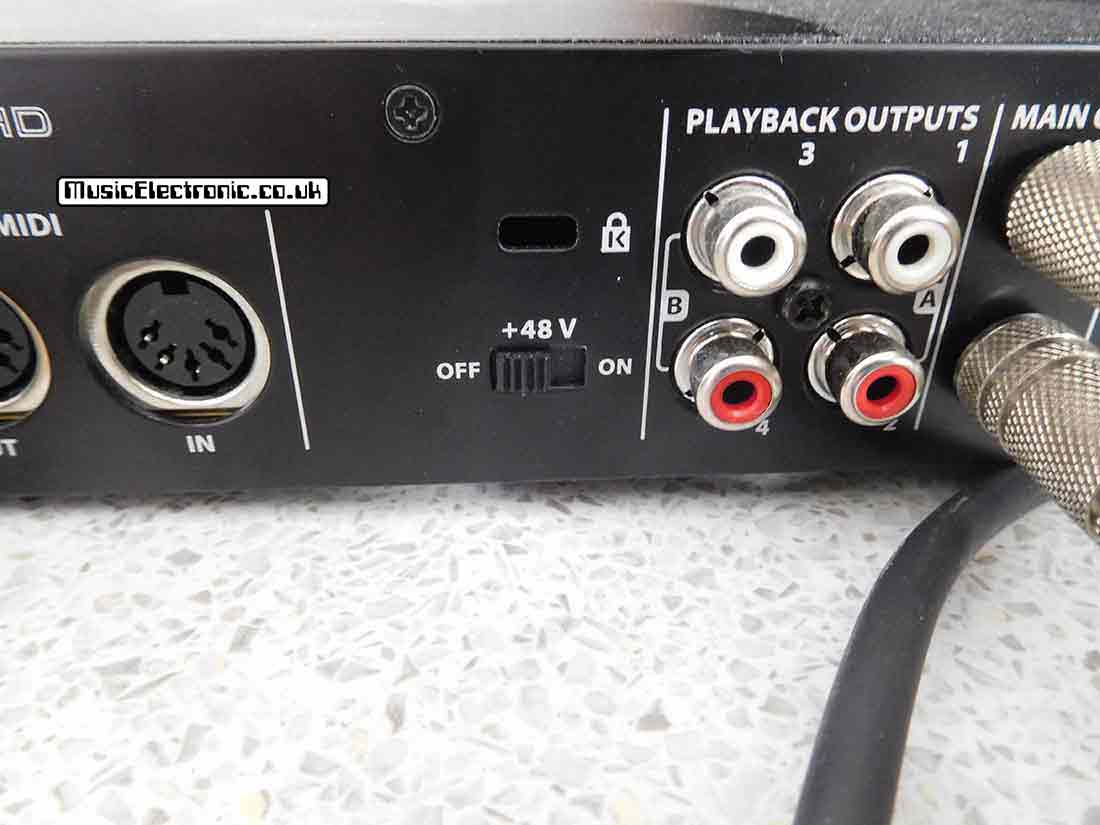

As some audio interfaces are intended to be used with professional studio equipment, they have the facility to be able to provide phantom power so these microphones can be plugged straight into the audio interface.
Difference between balanced and unbalanced inputs
Unbalanced inputs are the “normal” inputs with a signal and a ground connection.

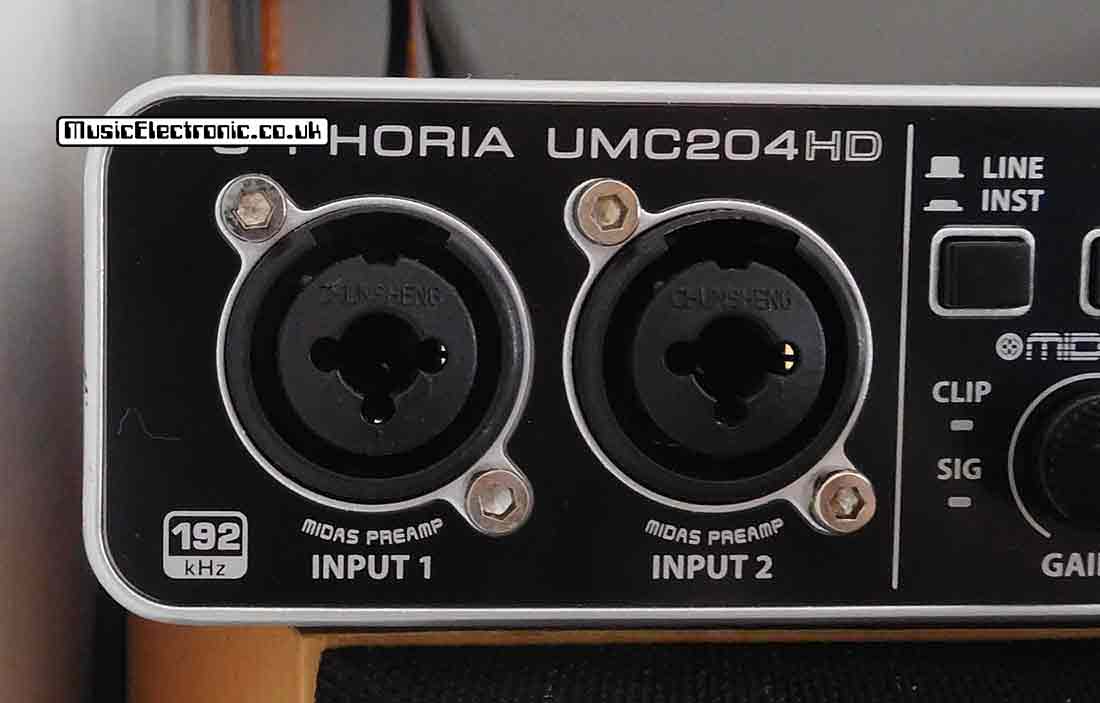
A balanced input has two signal connections and a ground. Without going too deep into how they work (a kind of signal differentiating) they cancel out noises that are picked up by the cable. This means they are particularly effective on microphone cables and long cables.
How much does an audio interface cost
You can buy an audio interface for around £50 or you can get one for in excess of £2,000.
It depends on what you can afford and what features you need. Just in case you need it spelling out the £50 one isn’t as good as the £2,000 one.
You can however get a pretty good quality audio interface for not much more than £100. You need to work out what you want it to do but you will probably find out you don’t need an expensive audio interface.
What features does an audio interface have
Obviously, not all audio interfaces have all the features, but as a bare minimum, you will have audio inputs and outputs.
You should have at least a couple of inputs with level controls. These will be like microphone preamplifiers. Better quality ones will cost more but if you intend to connect microphones, they will be the weak link in your signal processing. You may also have balanced inputs with phantom powering.
You can also use these inputs for connecting electric guitar pickups.
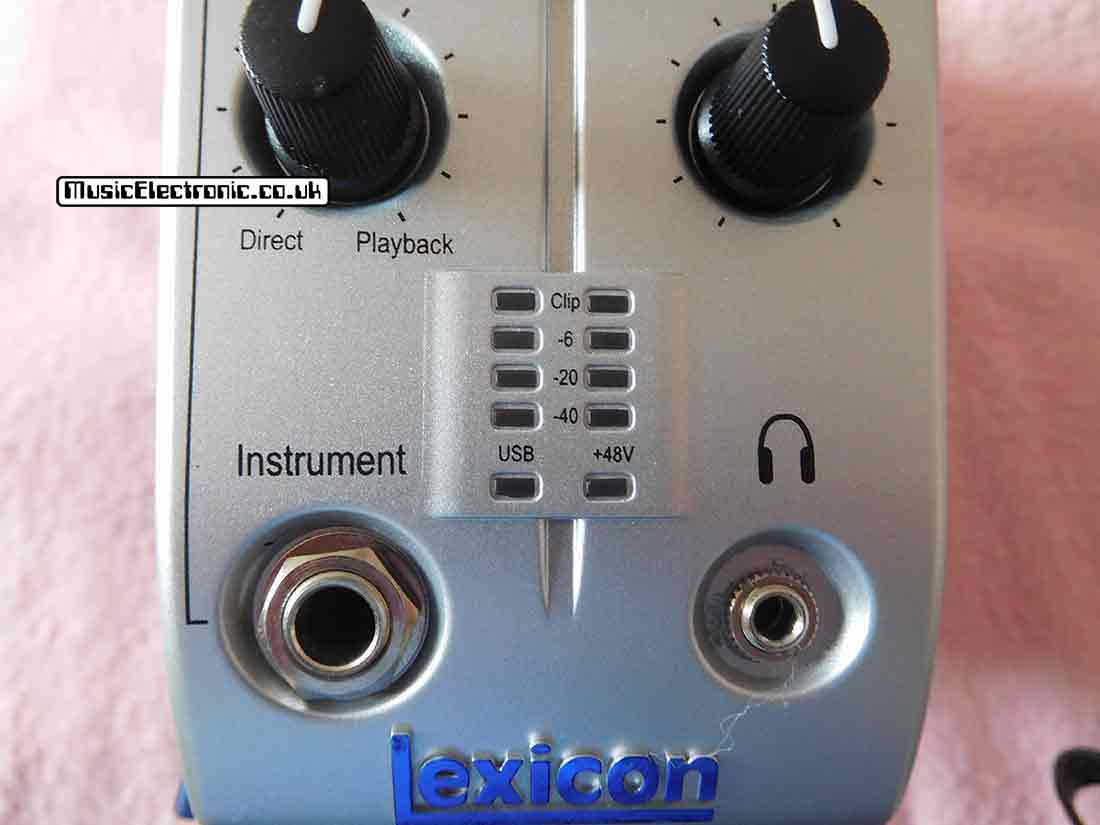
These inputs should also have some form of level metering even if it’s just a couple of LEDs.
How will an audio interface help me?
It will increase the audio quality of your recordings.
If you’ve been relying on a motherboard sound card it will improve your audio quality massively. It will also be more convenient, enabling you to connect things to your interface rather than the back of your computer. You’ll also have knobs to control levels.
Audio interface with an ASIO driver
As I mentioned before an audio interface will reduce latency.
Firstly, make sure to use the latest drivers provided by the manufacturers and set up your software to use them. You will usually need to set some options. You’ll be looking for your manufacturer ASIO driver in the settings.
Finally, as an alternative, you could try ASIO4ALL. This is a driver which will lower your latency significantly.
I’ve used it in the past on a laptop’s built-in sound card and it definitely helps. If you have a proper sound interface though you should really use the manufacturer’s drivers.

Is an audio interface necessary for studio monitors
Yes, it’s advisable, as it means you can connect your studio monitors straight to your audio interface.
My audio interface has two ¼ inch left and right outputs and my powered monitors have ¼ inch inputs. No messing around with adapters or anything. Just a pair of ¼ inch to ¼ inch leads.
The midi interface
The MIDI interface is a Musical Instrument Digital Interface.
Most people involved in music production on computers will need or use it at some point. Undoubtedly, if you use external gear. You can get audio interfaces that have built-in MIDI in and out connections.
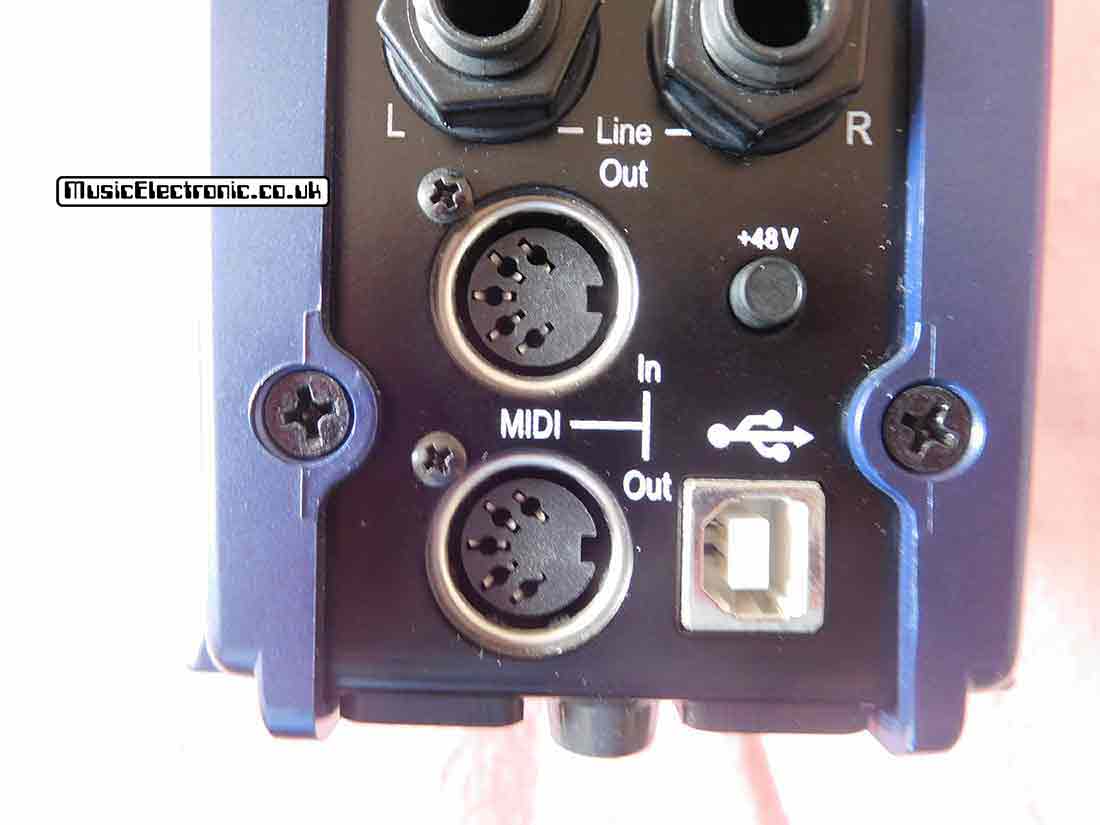
However, wouldn’t compromise on the audio quality of an audio interface just because it has MIDI on it. I’d much sooner get a good audio interface for its audio quality and get a separate MIDI interface.
Final thoughts – Does an audio interface improve sound quality
If you are considering getting an audio interface, which I’m guessing you are as you read this. I would advise you to get one.
They make a big difference to your PC’s audio quality. Also, If you are going to use your PC for audio production or processing I’d say they are essential.